Guide
Firmware password on a Mac, and why Apple silicon has none
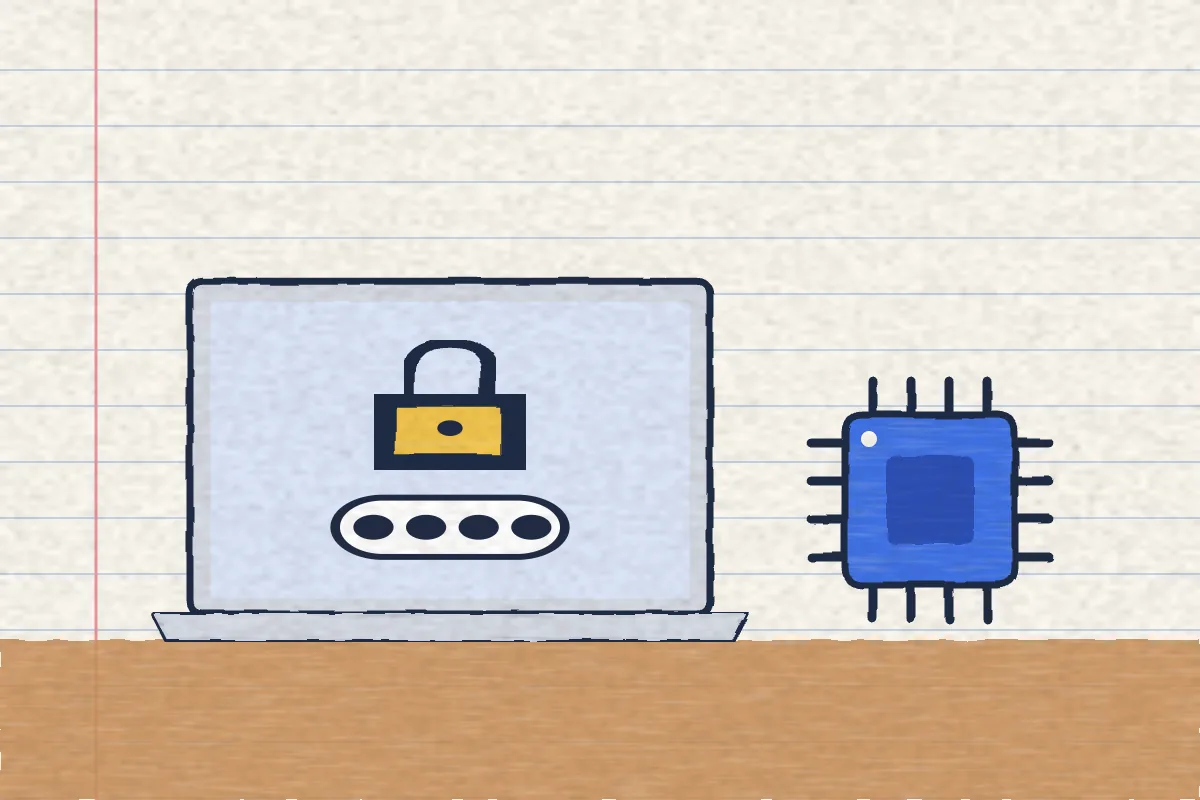
A firmware password only exists on Intel Macs. You set it in macOS Recovery, and it stops anyone without it starting your Mac from Recovery or another disk. Apple silicon Macs (M1 and later) don't have one. Apple says to turn on FileVault instead.
· Checked against Apple Support and the Apple Platform Security guide on 15 November 2026
What this covers
Does your Mac have a firmware password?
Check your chip before you follow any steps. Most guides online still give only the Intel steps, and they won't work on a newer Mac.
- Click the Apple menu in the top left corner and choose About This Mac.
- If you see Chip (for example Apple M2), it is an Apple silicon Mac. There is no firmware password. Skip to what Apple silicon has instead.
- If you see Processor followed by an Intel name, it is an Intel Mac, and the steps below apply.
Apple began moving to Apple silicon with models from late 2020. Every MacBook Air from 2022 on, every MacBook Pro from 2021 on, and the M1 MacBook Air and 13-inch MacBook Pro from 2020 are Apple silicon.
What does a firmware password do?
Apple puts it simply: “When you set a firmware password on your Intel-based Mac, users who don't have the password can't start up from macOS Recovery or any disk other than the designated startup disk.”
Once it is set, an Intel Mac asks for it, at a lock and a password field, when someone tries to:
 start up from a disk other than the one chosen in Startup Disk settings, such as a USB drive
- start up from macOS Recovery
- use Erase All Content and Settings (on Macs with the Apple T2 Security Chip)
It does not ask for anything on a normal start. Your Mac starts as usual and you log in with your normal password. Apple says it matters most on Intel Macs without a T2 chip, because otherwise someone holding the Mac could start Recovery and turn off System Integrity Protection.
How do you set a firmware password on an Intel Mac?
From Apple's support article. You need an administrator account.
- Start up from macOS Recovery: turn the Mac on, then right away press and hold Command (⌘) and R until you see an Apple logo or a spinning globe.
- From the Utilities menu at the top of the screen, choose Startup Security Utility. On older Macs it is called Firmware Password Utility.
- Enter your administrator password when asked. It is the password you use to log in.
- Click Turn On Firmware Password, then enter a firmware password.
- Quit the utility, then choose Restart from the Apple menu.
Write the firmware password down and keep it somewhere other than the Mac. Apple's own step says “Remember this password!”, and the next section shows why.
On a T2 Mac, the same Startup Security Utility can also stop the Mac starting from external or removable media at all, even for someone who knows the firmware password.
How do you turn off a firmware password?
- Start up from macOS Recovery. The Mac shows the lock screen first: enter the firmware password.
- When Recovery has loaded, choose Startup Security Utility (or Firmware Password Utility) from the Utilities menu.
- Click Turn Off Firmware Password, then enter the firmware password again.
- Quit the utility, then choose Restart from the Apple menu.
Apple doesn't list separate steps to change it. Turning it off and on again with a new password does the same job.
What if you forget your firmware password?
You can't reset it yourself. Apple says: “If you can't remember your firmware password, get your Mac ready for service and schedule an in-person service appointment with an Apple Store or Apple Authorized Service Provider. Bring your Mac and its original receipt or invoice as proof of purchase.”
Apple's security guide explains that the reset works through a code only AppleCare can sign, which is why you need proof that the Mac is yours. It also warns about a command-line option that turns the reset off completely. With that option set, a forgotten password means “the user needs to bear the cost of the logic board replacement”. Most people should never touch it.
Why doesn't an Apple silicon Mac have a firmware password?
Because the things it protected now ask for your password anyway. Apple's Platform Security guide: “The firmware password isn't required on a Mac with Apple silicon, because the critical firmware functionality it restricted has been moved into the recoveryOS and (when FileVault is enabled) recoveryOS requires user authentication before its critical functionality can be reached.”
Apple's support article is shorter: “For the equivalent level of security on a Mac with Apple silicon, simply turn on FileVault.” Here is what an Apple silicon Mac has in its place:
| Instead of a firmware password | What it does |
|---|---|
| FileVault | Your login password becomes part of the disk's key, and Recovery asks for it before the important tools open |
| Recovery asks for a user | Startup options can ask you to pick a user and enter their login password |
| Startup Security Utility | Full Security is the default. Lowering it needs an administrator password, in Recovery |
| Holding the power button | Big security changes need someone to hold the power button, so malware can't make them |
| Activation Lock | Your Apple Account password is needed before anyone can erase or reuse the Mac |
Our FileVault guide shows how to check it and turn it on, and the one risk to know about: losing both your password and your recovery key.
Recovery Lock is not a rename of the firmware password, whatever some guides say. Apple's deployment guide describes a recoveryOS password for Apple silicon Macs and says “You can set a recoveryOS password only using a device management service”. That means a company or school managing the Mac. A home user can't turn it on.
Does a firmware password stop a thief?
It slows one down on an Intel Mac, but Apple never calls it a theft tool. It stops a stranger starting from a USB drive or Recovery. It does nothing about the Mac leaving with them. Here is how the pieces fit:
| Feature | Which Macs | What it stops |
|---|---|---|
| Firmware password | Intel only | Starting from Recovery or another disk without the password |
| FileVault | All | Reading your files without your password |
| Activation Lock | Apple silicon and T2 Intel | Erasing and reusing the Mac without your Apple Account password |
| Find My | All | Losing track of it, if it is on and online |
Activation Lock comes on with Find My, so turn on Find My Mac if it isn't already. Apple's own words are that it is “designed to prevent others from using your Mac if it's lost or stolen.” If your Mac is already gone, our stolen MacBook checklist covers Lost Mode, including the number passcode older Intel Macs use.
What none of these do
All of these help once the Mac is out of your hands. None of them make a sound when someone picks it up. We make Deskwatch, so read this with that in mind: it sounds a full-volume siren and locks the screen when someone lifts or moves your MacBook, and only your Touch ID or password turns it off. Its limits:
- It needs an Apple silicon MacBook on macOS 15 or later, so it won't run on the Intel Macs that have a firmware password.
- It only works while protection is on. Turn it on when you step away.
- A siren helps where people can hear it, like a cafe or a library, not in an empty room.
It sits alongside FileVault and Find My, it doesn't replace them. Our guide to stopping someone stealing your MacBook in a cafe shows where it fits. It costs $4.99 once.
Questions people ask
Can I set a firmware password on an M1, M2 or later Mac?
No. Apple says a Mac with Apple silicon won't require or support a firmware password. For the same level of security, Apple says to turn on FileVault.
Is Recovery Lock the new name for the firmware password?
No. Apple describes it as a separate recoveryOS password for Apple silicon Macs that can be set only through a device management (MDM) service, like the one a company uses. A home user has no switch for it.
What happens if I forget my firmware password?
Apple says to book an in-person service appointment with an Apple Store or Apple Authorized Service Provider, and bring the Mac with its original receipt or invoice as proof of purchase.
Where is Firmware Password Utility?
It is in macOS Recovery on an Intel Mac, under the Utilities menu. On Intel Macs with the T2 chip it is called Startup Security Utility. It is not in System Settings.
Does a firmware password stop someone erasing my Mac?
On an Intel Mac it stops them starting from macOS Recovery or another disk, which is where an erase usually starts. On a T2 Mac it also asks for the password before Erase All Content and Settings. On Apple silicon, Activation Lock asks for your Apple Account password before anyone can erase it.
Is a firmware password the same as my login password?
No. It is a separate password the Mac asks for before it will start from Recovery or another disk. Your login password unlocks your user account once macOS has started.
Sources
Checked 15 November 2026 in a browser: Apple Support, “Set a firmware password on your Mac”, “How to start up from macOS Recovery”, “About Startup Security Utility on a Mac with the Apple T2 Security Chip”, “Mac computers with Apple silicon”, “Activation Lock for Mac” and “If your Mac is lost or stolen”; Apple Platform Security, “Firmware password protection in an Intel-based Mac” and “Startup Disk security policy control for a Mac with Apple silicon”; Apple Platform Deployment, “Startup security in macOS”; Mac User Guide, “Change security settings on the startup disk of a Mac with Apple silicon”.