
Guide
Can you leave a laptop in a hot car?
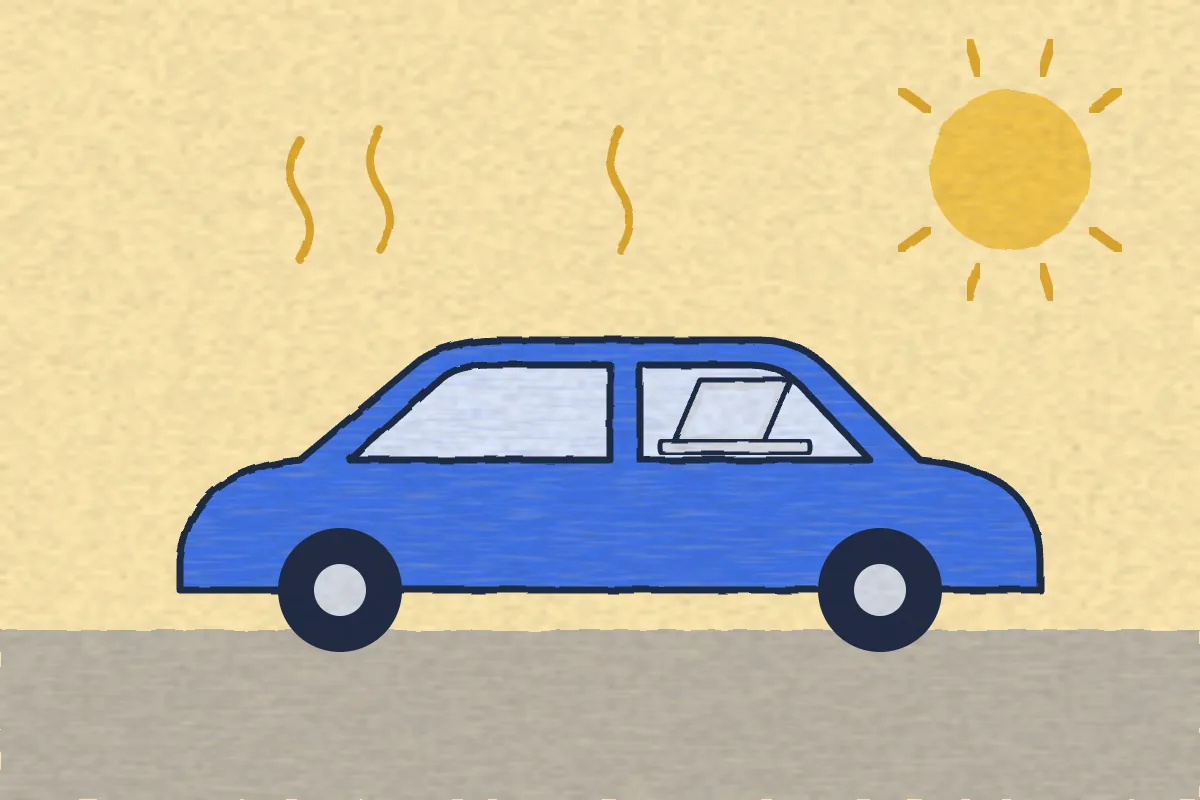
No. Apple says plainly: “Don't leave your Mac laptop in your car”. A MacBook is made to run at 50° to 95° F (10° to 35° C), and a car parked in the sun can pass that within minutes. Heat can permanently shorten the battery's life, and a laptop in a car is also a target for thieves.
· Checked against Apple, the National Weather Service and published research on 6 November 2026
What this covers
How hot can a MacBook get before it is a problem?
Apple gives two limits: one for a Mac that is running and one for a Mac that is stored.
| Range Apple gives | Where it is from | |
|---|---|---|
| Running | 50° to 95° F (10° to 35° C) | MacBook Air and Pro specs, Apple Support |
| Stored (off) | Up to 113° F (45° C) | MacBook Air specs, Apple battery page |
| Best for the battery | 62° to 72° F (16° to 22° C) | Apple battery page |
The low end of the storage range differs between Apple's pages (-13° F on the specs page, -4° F on the battery page), so go by the warmer one in winter. The top end is the same on both.
Apple's support article on laptop temperatures gives the reason for its car rule in the same sentence: “temperatures in parked cars can exceed this range.”
How hot does a parked car get?
Hotter and faster than most people think. The National Weather Service office in Louisville says the inside of a car “can rise 20 degrees in as little as 10 minutes, and 50 degrees in an hour”, even when it is only in the 70s outside. It adds that cracking the windows gives little, if any, relief.
A 2018 study in the journal Temperature measured six cars in Tempe, Arizona, on days above 95° F (35° C). After one hour:
| After 1 hour | Parked in the sun | Parked in the shade |
|---|---|---|
| Air in the car | 115° F (46° C) | 100° F (38° C) |
| Dashboard | 156° F (69° C) | 118° F (48° C) |
| Seats | 124° F (51° C) | 106° F (41° C) |
Compare that with Apple's limits. In the sun, even the air in the car went past the 113° F storage limit within an hour, and a laptop on the seat or the dashboard sits on something hotter still. Shade helped, but 100° F is still above the 95° F limit for a Mac that is running.
What does heat do to a laptop battery?
It wears it out for good. Apple's battery page says temperatures above 95° F (35° C) “can permanently damage battery capacity”, which means it won't last as long on a charge. Apple adds that charging in high temperatures can damage it further, and that “even storing a battery in a hot environment can damage it irreversibly.”
So a Mac that is turned off is not safe in a hot car either. Cold is different: Apple says battery life drops in the cold, but it comes back once the battery warms up.
What should you do if your laptop got hot in the car?
- Take it inside, out of the sun, and out of its bag or sleeve.
- Let it cool by itself at room temperature before you turn it on.
- Don't plug it in until it has cooled down. Apple says charging in high temperatures can damage the battery further.
- If it still runs hot when it is doing nothing, Apple suggests checking Activity Monitor, then restarting. If problems carry on, contact Apple.
Apple says Mac laptops have sensors that watch the temperature inside, and on models with fans, the fans turn on by themselves to cool important parts. That protects it while it runs. It does nothing for a battery that has been sitting in a hot car.
What if you have to leave a laptop in the car?
Sometimes you have no choice. To keep the risk down:
 Make it as short as you can, and avoid the hottest part of the day.
- Park in the shade. In the study above it kept the air about 15° F cooler after an hour.
- Shut it down rather than putting it to sleep, so it isn't running or charging in the heat.
- Keep it off the dashboard and out of direct sun.
- Put it out of sight, and leave nothing that looks like a laptop bag on show.
Better still, take it with you. On a long trip, a hotel room is usually a better place to leave it than the car. Here is how safe a laptop is in a hotel room.
Is a laptop in a car likely to be stolen?
It is a common target. The Delaware State Police, writing about a run of car break-ins, advised: “Do not leave items of value in your vehicle.” It added that even a laptop case with no laptop in it can draw a thief, because it looks valuable.
If it does get taken, your car insurance usually won't pay for it. We explain who does in what to do if your MacBook is stolen. Before it ever happens, turn on Find My so you can track the laptop, and make sure it locks with a password so your files stay safe.
Can an alarm app protect a laptop in a car?
Not well, and we sell one. We make Deskwatch, so read this with that in mind. It sounds a siren when someone lifts or moves your MacBook, and it is made for a desk in a cafe, a library or an office, where people are around to hear it. A car is the wrong place for it:
- It only works while the Mac is on, and a running Mac in a hot car is what Apple warns against.
- With the lid closed, it pauses by itself when the battery is below 20% or the Mac gets too warm.
- A siren inside a locked, empty car may not stop someone who has already broken the window.
Where it does help is the moment you step away from your table. That is covered in our guide to stopping someone stealing your MacBook in a cafe. It needs an Apple silicon MacBook on macOS 15 or later, and costs $4.99 once.
Questions people ask
How long can a laptop stay in a hot car?
Apple doesn't give a safe time. It simply says not to leave a Mac laptop in your car. The National Weather Service says a car can warm up 20 degrees in as little as 10 minutes, so even a short stop on a hot day is a risk.
Is it safe to leave a laptop in the trunk?
It helps with theft, because police advise keeping valuables out of sight. We found no official measurements of trunk temperatures, so don't assume the trunk stays cool. Treat it like the rest of the car.
Can heat damage a MacBook battery?
Yes. Apple says ambient temperatures above 95° F (35° C) can permanently damage battery capacity, and that even storing a battery somewhere hot can damage it irreversibly.
What should I do if my laptop got hot in the car?
Bring it inside and let it cool at room temperature before you use it. Don't charge it while it is hot: Apple says charging in high temperatures can damage the battery further.
Is a laptop safer in a hot car if it is turned off?
A little. Apple's specs allow 95° F while it is running but 113° F when it is stored. In the sun, the air in a car can pass 113° F within an hour, so turning it off is not enough.
Can you leave a laptop in a cold car?
Apple says to use a MacBook at 50° F (10° C) or warmer. Let it warm up indoors before you use it. Apple says the shorter battery life you see in the cold is temporary.
Sources
Checked 6 November 2026: Apple Support, “Keep your Mac laptop within acceptable operating temperatures”; Apple's MacBook Air and MacBook Pro tech specs; Apple's Batteries: Maximizing Performance page; National Weather Service Louisville, “Look Before You Lock”; Vanos, Middel, Poletti and Selover, Temperature (2018), as summarised in the publisher's news release; Delaware State Police vehicle break-in advice (24 February 2022). Deskwatch behaviour is from the app itself.